Flutter Baby Heartbeat Monitor
A keepsake app for the sound of your pregnancy. Flutter turns your phone into a mini not-quite-stethoscope, so you can listen for your baby’s heartbeat, record it, and share it with the people you love.


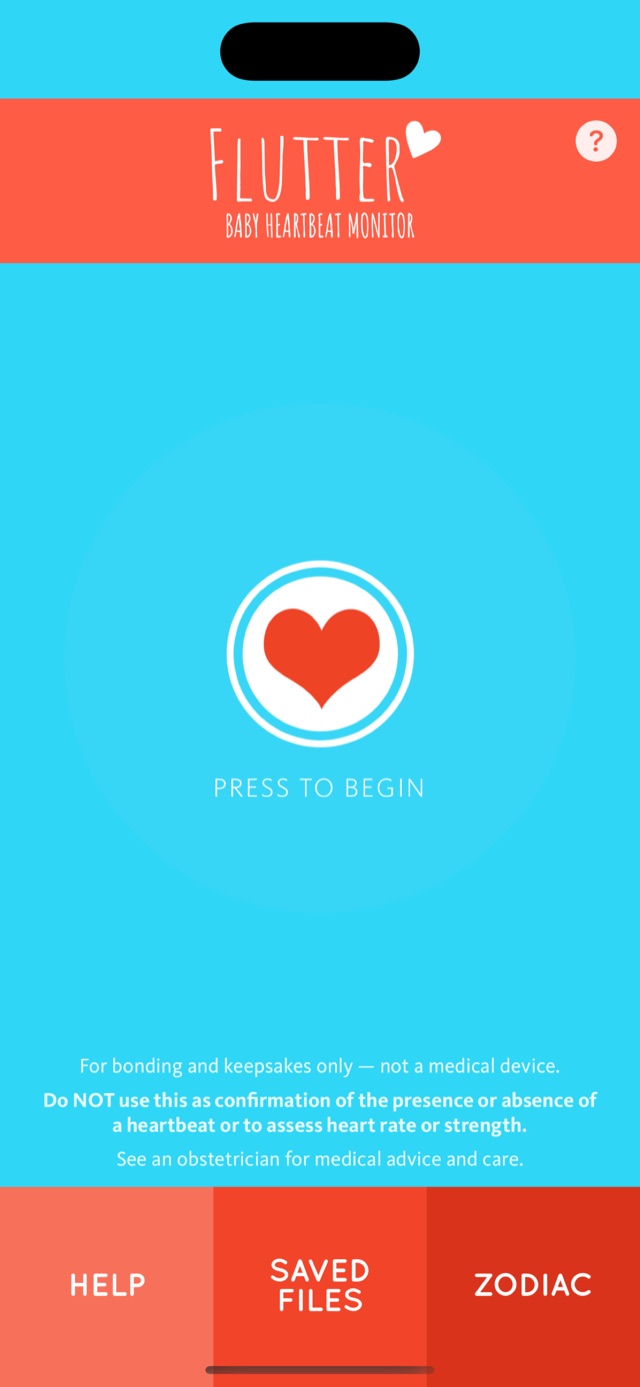
For bonding and keepsakes only — not a medical device.
Do NOT use this as confirmation of the presence or absence of a heartbeat or to assess heart rate or strength. See an obstetrician for medical advice and care.
If you are ever worried about your baby’s movements or wellbeing, contact your midwife, doctor, or maternity unit straight away. Never use an app for reassurance.
Listen, record, keep, share
Everything in Flutter is built around one small thing: a recording you can keep.
Listen and record
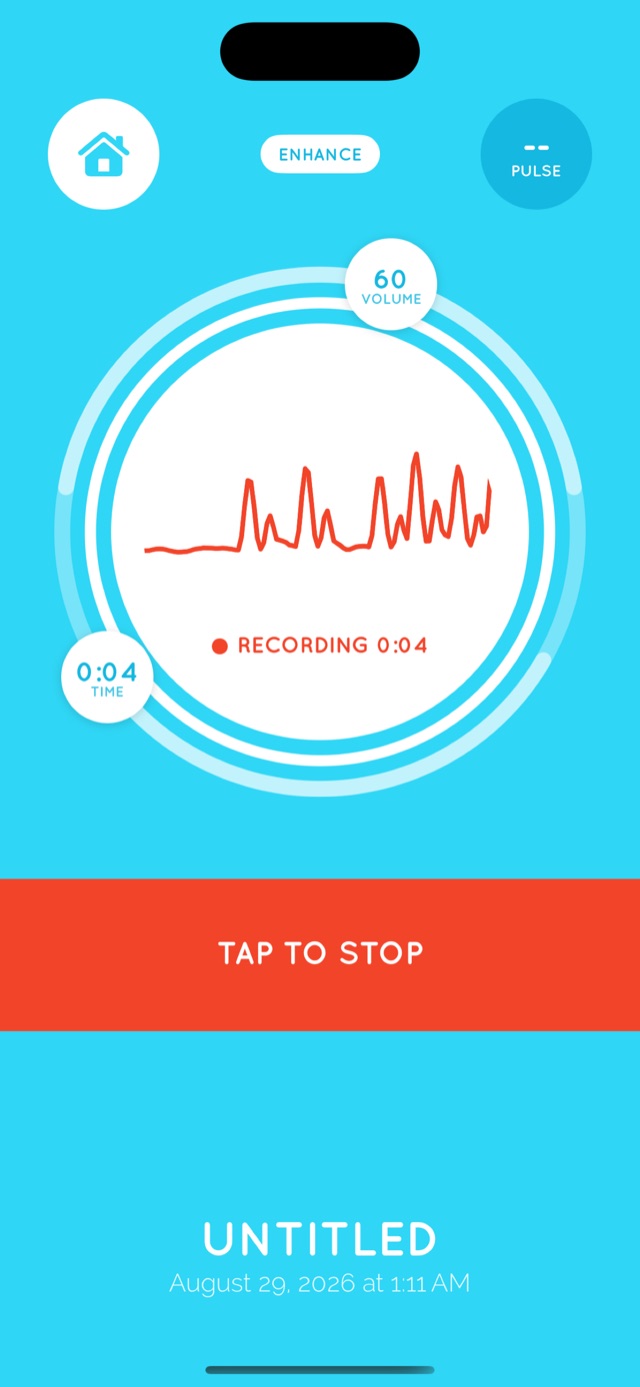
Hold your phone’s microphone against your belly and listen live while Flutter records, up to two minutes at a time.
Watch the rhythm
A live waveform draws what the microphone hears as you record, and it stays with every saved recording.
Keep a library
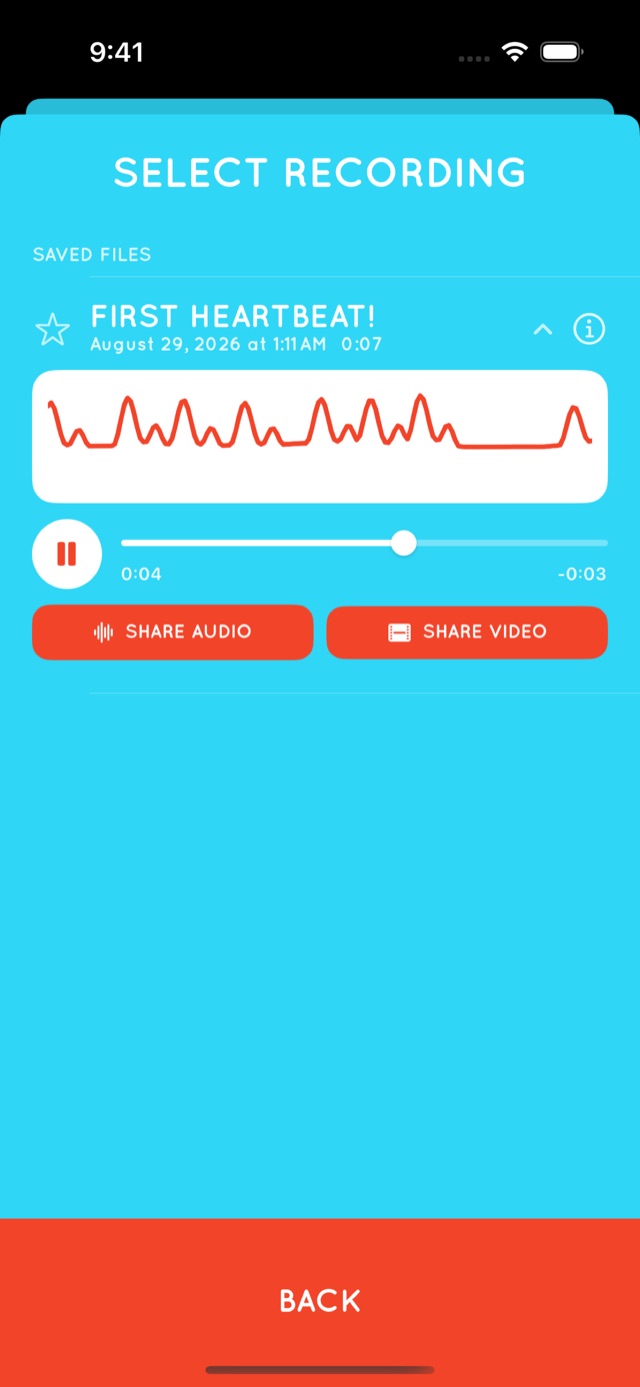
Save and name your recordings, then come back to them whenever you like. On iPhone and iPad, your keepsake library backs up to iCloud.
Share the sound
Send a recording as audio, or as a video of its waveform, to the people who can’t be in the room.
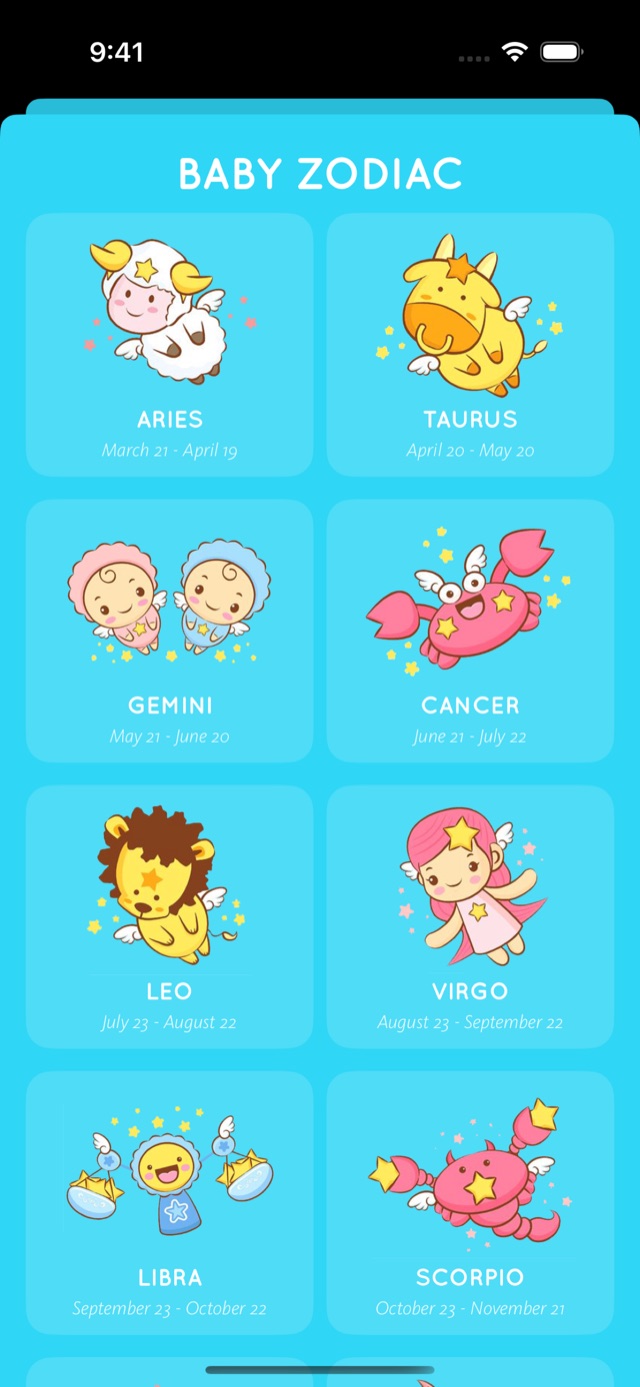
Baby zodiac, just for fun
Enter your due date for a playful zodiac sketch of the little person on the way.
What to expect, honestly
Flutter uses nothing but your phone’s built-in microphone. That keeps it simple, and it also sets real limits.
- It doesn’t work for everyone, or every time. Position, timing, and background noise all matter, and plenty of sessions capture nothing clear.
- Later is easier. The app’s own guidance is that it usually starts to work around weeks 20 to 24, and works best in the last 12 to 16 weeks of pregnancy.
- What you hear may not be your baby. A microphone also picks up your own pulse, digestion, and movement.
- A recording says nothing about health. A sound, or the lack of one, is never a sign that things are fine or that something is wrong.
Tips for a better recording
- Find a quiet room and give it time. Longer recordings do better.
- Take your phone out of its case and turn the volume up.
- Rest the microphone directly against your skin.
- Play recordings back on bigger headphones or speakers. Heartbeat sounds are very low, and small speakers struggle to reproduce them.
A look inside
Made for the moments you’ll want back
A recording is small, and it travels well. Play it at the baby shower. Send it to grandparents who live far away. Keep it next to the bump photos and the scan picture, and play it for your child one day.
For more ideas, see our list of pregnancy milestones worth recording.
Guides for parents-to-be
Baby heartbeat apps: what a phone can and can’t hear
An honest look at what a phone microphone can pick up, when it tends to work, and why it should never replace a trip to the doctor.
Sound wave art from your baby’s heartbeat: prints, jewelry, and tattoos
Turn a heartbeat recording into a print, a pendant, or a tattoo: how to get the waveform and what to ask the maker.
Heartbeat bears: how they work and how to make one
How recordable bears work, where the heartbeat recording comes from, and how to keep the sound long after the batteries run out.
Questions and answers
Is Flutter a medical device?
No. Flutter is for bonding, fun, and keepsakes only. It is not a medical device and does not provide medical information.
Can I use Flutter to check that my baby is okay?
No. Do not use Flutter as confirmation of the presence or absence of a heartbeat, or to assess heart rate or strength. If you are worried about your baby’s movements or wellbeing, contact your midwife, doctor, or maternity unit straight away.
Is Flutter the same as a fetal doppler or an ultrasound?
No. Dopplers and ultrasound scanners are medical devices used by trained professionals. Flutter only listens through your phone’s microphone, and it can’t do what they do.
When in pregnancy can I try it?
The app’s guidance is that it usually starts to work around weeks 20 to 24, and works best in the last 12 to 16 weeks. Results vary a lot from person to person and from day to day.
Is it free?
Flutter is free to download, with a trial so you can see if it’s right for you. Making and saving recordings is unlocked with an in-app purchase.
Which devices does it run on?
iPhone and iPad, from the App Store, and Android phones, from Google Play.
Where can I get help?
Email or call us from the support page. Our privacy policy covers how our apps handle data.
Keep the sound of these months
Free to download for iPhone, iPad, and Android.